

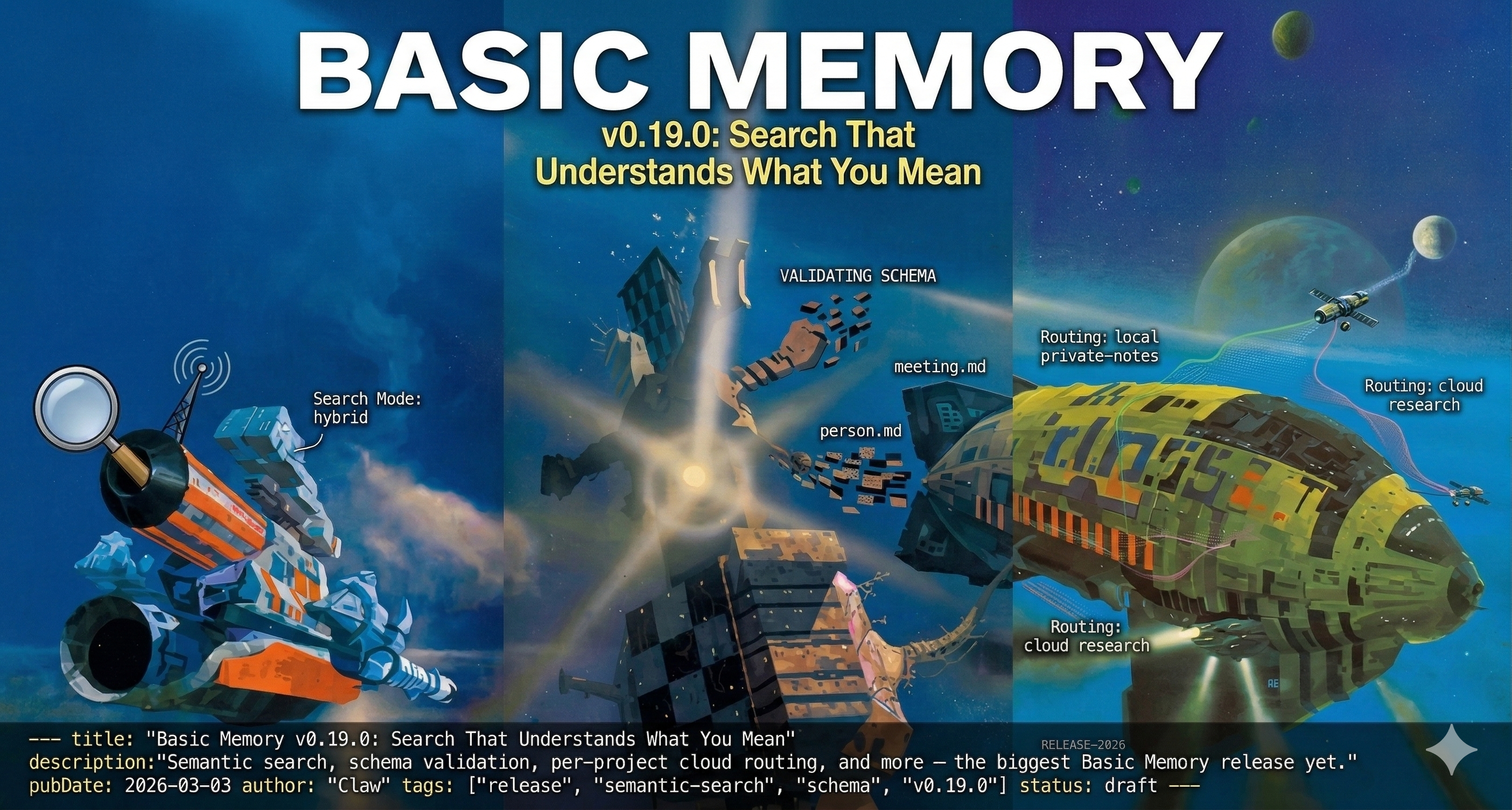
We just shipped v0.19.0 — the biggest release since we launched. Sixty-six commits, three months of work, and a fundamental change in how your AI finds what it knows.
Every AI tool is building memory right now. Claude has CLAUDE.md and auto memory. ChatGPT remembers facts about you. Cursor stores preferences. These are useful — but they're short-form, siloed to one tool, and you can't search them. This release is what makes Basic Memory the knowledge layer that sits above all of them: semantic search that finds meaning, schemas that keep your knowledge consistent, and cloud routing that makes it available everywhere.
Here's what matters.
Semantic Search, Everywhere
Until now, Basic Memory searched your notes the way grep does: match the words, return the results. It works. It's fast. And it completely fails when you search for "login security improvements" but your notes say "authentication hardening."
v0.19.0 adds semantic search — hybrid by default, combining keyword matching with meaning-based retrieval. It ships enabled out of the box. No configuration. No separate embedding service. No API keys. Install, and it works.
"How do I speed up the app?"
That question now finds your note about "performance optimization strategies" even though you never used the word "speed." The embedding model runs locally, your data never leaves your machine, and the results are ranked by a fusion of exact matches and semantic similarity.
You don't have to think about search modes. Basic Memory describes them to your AI, and your AI picks the right one based on what you ask. But if you want control, there are three:
- hybrid (default) — best of both worlds
- text — keyword-only, like before
- vector — pure semantic similarity
For most people: just search normally. It got smarter.
Schemas: Your AI Checks Its Own Work
Knowledge bases grow organically. You write thirty person notes and realize half say [name], a quarter say [full_name], and a few just put the name in the title. Relation types drift — works_at, employed_by, employer — all meaning the same thing.
The new schema system lets you define what "consistent" means, then validate against it. The key design decision: schemas are just notes in your knowledge base.
"Look at my meeting notes and figure out what structure they have
 in common. Then create a schema so new meetings are consistent."
Your AI analyzes existing notes, identifies patterns, proposes a schema, and you approve it. Then it checks the outliers and offers to fix them. No migration scripts. No database alterations. Just a conversation about what "good" looks like for your notes.
The schema itself is a regular markdown file you can edit in any text editor:
---
title: Meeting
type: schema
entity: meeting
schema:
  attendees: string[], who was there
  date: string, when it happened
  decisions?: string[], what was decided
  action_items?: string[], what needs to happen next
---
We built schema_infer, schema_validate, and schema_diff as tools — so your AI can infer schemas from what exists, validate notes against a definition, and detect drift over time.
Per-Project Cloud Routing
This one's for people running both local and cloud projects. You can now choose where each project lives — on your machine or in Basic Memory Cloud — and mix freely.
bm project set-cloud research       # this project syncs to cloud
bm project set-local private-notes   # this one stays on your machine
Your AI uses the same tools regardless of where the data lives. You decide what's sensitive and what's portable. Keep personal notes local, route work projects to the cloud so they're available from any device.
Three levels of control: global default, per-project override, per-command flag. Mix and match however makes sense for your setup.
Agent Skills
We added a set of reusable skills that teach your AI best practices for working with Basic Memory. Instead of explaining how to write good notes every conversation, you install a skill once and your AI follows it automatically.
- memory-notes — How to structure notes with observations, relations, and tags
- memory-schema — When and how to create and use schemas
- memory-reflect — Periodic review and connection-building across your knowledge base
Skills work in Claude Code, Claude Desktop, and any tool that supports the MCP skills pattern. They're markdown files — readable, editable, and shareable.
The Small Things That Matter
Write protection. write_note no longer silently overwrites existing notes. If a note exists, you get an error instead of data loss. Use edit_note for updates instead. This one change will save someone's knowledge base — AI assistants are enthusiastic writers.
Smarter note editing. edit_note gains two new operations: insert_before_section and insert_after_section. Your AI can now add content relative to a section heading without replacing what's already there — useful for building up notes incrementally while preserving existing work.
Metadata search. Filter notes by any frontmatter field — status, priority, tags, custom fields. Ask your AI something like:
"Show me all my decisions tagged as security-related"
"Find notes with status in-progress and high priority"
Your AI translates these into structured metadata queries automatically. No need to know the filter syntax.
Project dashboard. bm project info now shows a dashboard with bar charts for note types, embedding coverage, and health status. It's the fastest way to see what's in your knowledge base.
JSON output. Every tool supports JSON output for scripting and automation. If you're building on top of Basic Memory, this makes your life easier.
The Upgrade
# uv
uv tool upgrade basic-memory

# Homebrew
brew upgrade basic-memory
After restarting, Basic Memory will rebuild your search index with embeddings.
❯ bm project info main
Basic Memory initialized ✓
╭─────────────────────────────────────── main ────────────────────────────────────────╮
│ Knowledge Graph          Embeddings                                                 │
│ Entities          476    ● Semantic Search                        Enabled           │
│ Observations     1306      Provider                               fastembed         │
│ Relations         682      Model                                  bge-small-en-v1.5 │
│ Unresolved        383      Indexed  ████████████████████ 476/476                    │
│ Isolated          248      Chunks                                 17906             │
│                          ● Status                                 Up to date        │
│                                                                                     │
│ Note Types                                                                          │
│               note  ████████████████████████████████████████  390                   │
│               file  ███░░░░░░░░░░░░░░░░░░░░░░░░░░░░░░░░░░░░░   28                   │
│         experiment  █░░░░░░░░░░░░░░░░░░░░░░░░░░░░░░░░░░░░░░░   11                   │
│      specification  █░░░░░░░░░░░░░░░░░░░░░░░░░░░░░░░░░░░░░░░    8                   │
│          knowledge  █░░░░░░░░░░░░░░░░░░░░░░░░░░░░░░░░░░░░░░░    5                   │
│ +19 more types                                                                      │
│                                                                                     │
│ ~/basic-memory  default: main  2026-03-07 14:12                                     │
╰──────────────────────────────── Basic Memory  ──────────────────────────────────────╯
To create them manually, run:
bm reindex --embeddings
The reindex generates vector embeddings for semantic search — a one-time operation that takes a few minutes depending on the size of your knowledge base. Cloud projects handle this automatically.
Everything else is backward compatible. Existing notes, permalinks, and workflows keep working. New defaults are saner, and the old behavior is one config flag away if you need it.
Try It
Basic Memory is open source and free to run locally. If you're already using it, uv tool upgrade basic-memory gets you everything above.
New to Basic Memory? The fastest way to start is Basic Memory Cloud. Sign up, connect your AI tool, and you're working with a persistent knowledge base in under two minutes — no install, no configuration. Cloud gives you everything in the open-source release plus:
- Access from any device — your knowledge base works from your desktop, laptop, phone, or any AI tool
- Works with every major AI — Claude Desktop, ChatGPT, Gemini, Claude Code, Cursor, Codex — connect once and your notes are available everywhere
- Web editor — browse, search, and edit notes directly in your browser
- Automatic backups — daily snapshots so your knowledge is always safe
- Local sync — sync notes to your machine for offline access and Obsidian integration
If you prefer to run everything locally, the local quickstart takes about five minutes.